


Can you add Apple CarPlay to your car?
An older stereo does not always mean changing the car. A compatible aftermarket system can add CarPlay, but the dashboard, wiring and features you want to keep all matter.
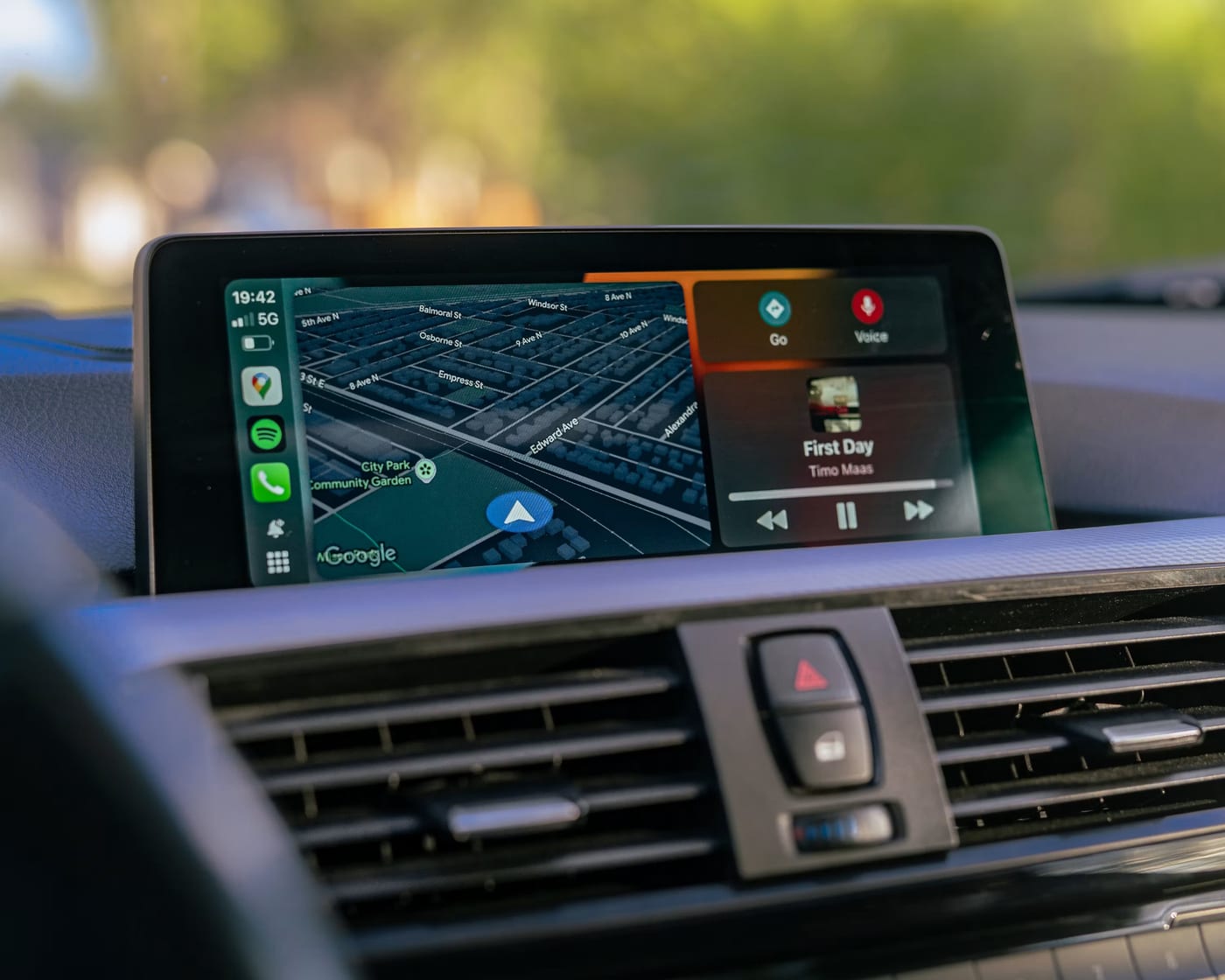
Apple CarPlay running on a compatible system. Having a screen does not by itself mean your car supports it.
Check the system already in your car
Start with the handbook and the settings on your existing screen. Some cars already support CarPlay, so you may only need to connect a compatible iPhone and follow the setup instructions. Check the exact model year and infotainment system; the same car can have several factory stereo options.
If CarPlay is not supported, Apple lists compatible aftermarket systems as another route. Replacing the stereo is one option, but it needs to suit the dashboard opening, wiring and factory equipment. A screen that looks the right size is not enough to establish compatibility.
Choose wired or wireless deliberately
Wired CarPlay uses a compatible USB connection between your iPhone and the system. Wireless CarPlay needs a system that supports it and uses Bluetooth and Wi-Fi during setup and connection. Check the chosen unit's specification before buying: having Bluetooth for calls does not by itself mean wireless CarPlay is available.
Think about how you use the car. A cable may suit you if you already plug your phone in for longer journeys. Wireless can be convenient for frequent short trips, but charging still needs a separate plan. Your phone, cable and the system's USB port need to be compatible.
List the features you want to keep
Steering wheel buttons, reversing cameras, factory microphones and amplifiers can need additional interfaces. Some cars also display vehicle settings or parking information through the original screen. Replacing that screen can affect those functions.
Make a list before choosing equipment. The right interface and configuration depend on the vehicle and the replacement system. Ask for each feature to be checked, including whether the original microphone can be retained or a new one is needed. Do not assume that a steering wheel adapter will also retain the camera or every vehicle setting.
Get the equipment checked before booking
Send your car's make, model and year, plus a clear photo of the current dashboard and stereo. Mention any factory camera, premium audio system or controls you want to retain. Manufacturer fitting tools, such as Pioneer's Fit My Car, use vehicle details to narrow down suitable products and accessories.
We can review those details with you before a fitting quote is agreed. The quote should identify the equipment, required adapters, features being retained and total fitted price. Further checks may be needed for a particular vehicle. This guide does not mean a CarPlay unit is currently stocked in the shop.
At a glance
Start with the system you have, then check what needs to change.
Your factory system supports CarPlay
Check the setup instructions first
You may not need replacement hardware.
You want wireless connection
Check the exact replacement system
Bluetooth calling and wireless CarPlay are different capabilities.
You have a factory camera or premium audio
Confirm the required interfaces
Retaining these features can change the equipment and fitting needed.
Worth knowing before you decide
- Compatibility and feature retention must be confirmed for the exact vehicle and equipment.
- Do not order a unit based on screen size alone.